ONLINE LOGIN


Contact Us | Branch Locations | Our Rates |  Apply Now

  • Home
  • Personal
    • Savings Accounts
    • Checking Accounts
    • Youth Accounts
    • Debit Cards
    • IRAs
    • Certificates of Deposit
    • Check Reordering
    • Overdraft Services
    • Fee Schedule
    • Dormant Accounts
  • e-Services
    • MCU Online
    • MCU Mobile App
    • Debit Card Controls
    • Remote Deposit Capture
    • Transfer Money
    • Digital Wallet
    • E-Statements
    • RoundUp Program
    • Bill Pay
    • eZCard
    • Wire Transfers
  • Loans
    • Apply For A Loan
    • Pay My Loan
    • Loan Rates
    • Personal Loans
    • Credit Cards
    • Auto Protection
    • Debt Protection
    • Auto Buying Center
    • Student Loans
    • Skip -A- Payment
    • Mortgage Loans
    • Manage My Mortgage
  • Resources
    • Forms & Applications
    • Fraud Prevention
    • Insurance Services
    • Protect My Identity
    • 2026 Scholarships
    • Savvy Money
    • Member Referral Program
    • CARFAX
    • FAQs
  • About Us
    • About MCU
    • Contact Us
    • Who Can Join
    • Newsletters
    • Federal Holidays
    • Privacy Policy
    • Financial Reporting
    • Disclosures
    • Careers
    • Director Opportunities
    • Accessibility Statement

Home > e-Services > Debit Card Controls

Debit Card Controls

Take charge of your card anytime, anywhere.

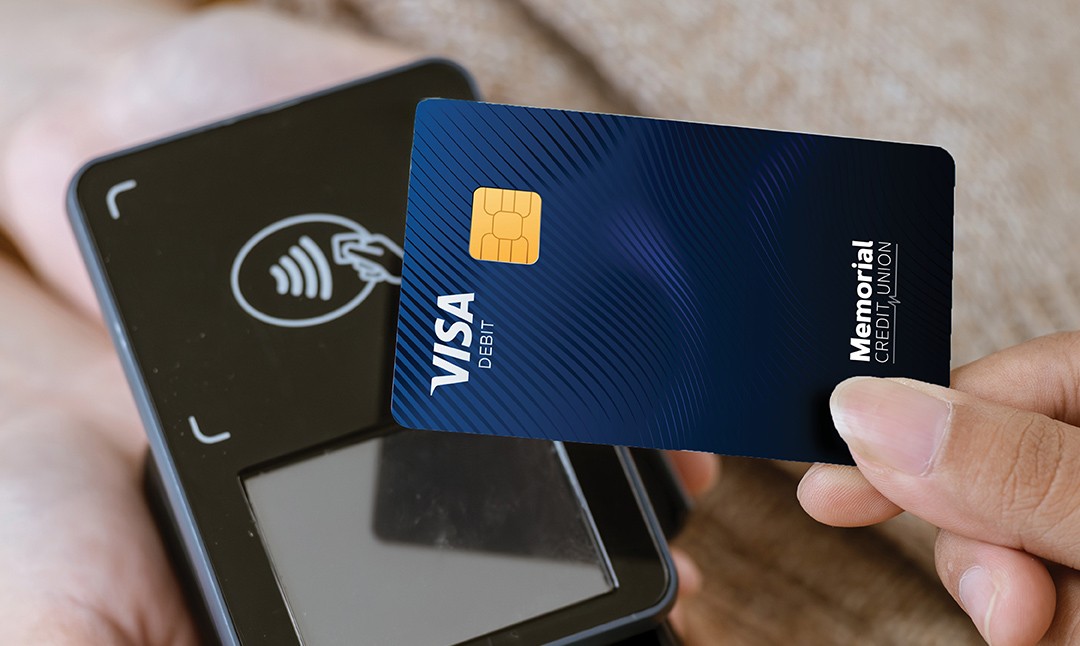
Taking control of your MCU debit card is easy with Card Control, a free security solution that enables superior control of your MCU debit card through our online services and Mobile App. This free feature offers:

Debit Card Controls

Defend yourself from fraud

  • 24/7 control right at your fingertips
  • Lock and unlock your card on command
  • Prevent fraud if your card is lost or stolen
  • Block international or out-of-area transactions
  • Real-time transaction alerts
  • Review your transaction history

Control Spending

  • Set spending limits overall or by type of merchant
  • Set your dollar amounts for spending
  • Customize spending ability by online, mobile, or in-store purchases
  • Customize geographic limits for card use
  • Review balances and transactions

How to Access Card Controls

1. Log in to your credit union's online banking website or mobile app.

2. Navigate to the "Debit Cards" section within the menu. Select the desired debit card linked to your account.

3. Customize your controls and alerts based on your personal security preferences and budget goals.

For additional Card Controls, go to the "More Services" section and select "Debit Card Alerts & Notifications".

Download the MCU App:

Just search "Memorial CU" in your app store or tap below.

Follow US

Facebook Instagram Twitter
Open Account
Apply For Loan

About

Menu
  • Who Can Join
  • Become a Member
  • Branch Locations
  • Free ATM Locations
  • Forms & Applications

SERVICES

Menu
  • MCU Online
  • MCU Mobile App
  • Remote Deposit Capture
  • Transfer Money
  • Pay My Loan

Products

Menu
  • Apply For A Loan
  • Loan Rates
  • Fraud Prevention
  • Protect My Identity
  • Personal Loans
  • Fee Schedule

Routing No. 313084124

7789 Southwest Freeway, Suite 175
Houston, TX 77074
Tel: 713-778-6300

Your savings is federally insured to at least $250,000 and backed by the full faith and credit of the United States Government.

  • Privacy Policy
  • USA Patriot Act
  • Accessibility Statement
  • Complaint Notice
  • Disclosures

*APR = The Annual Percentage Rates are subject to change without notice. Credit criteria and restrictions apply.

Copyright © 2026 Memorial Credit Union